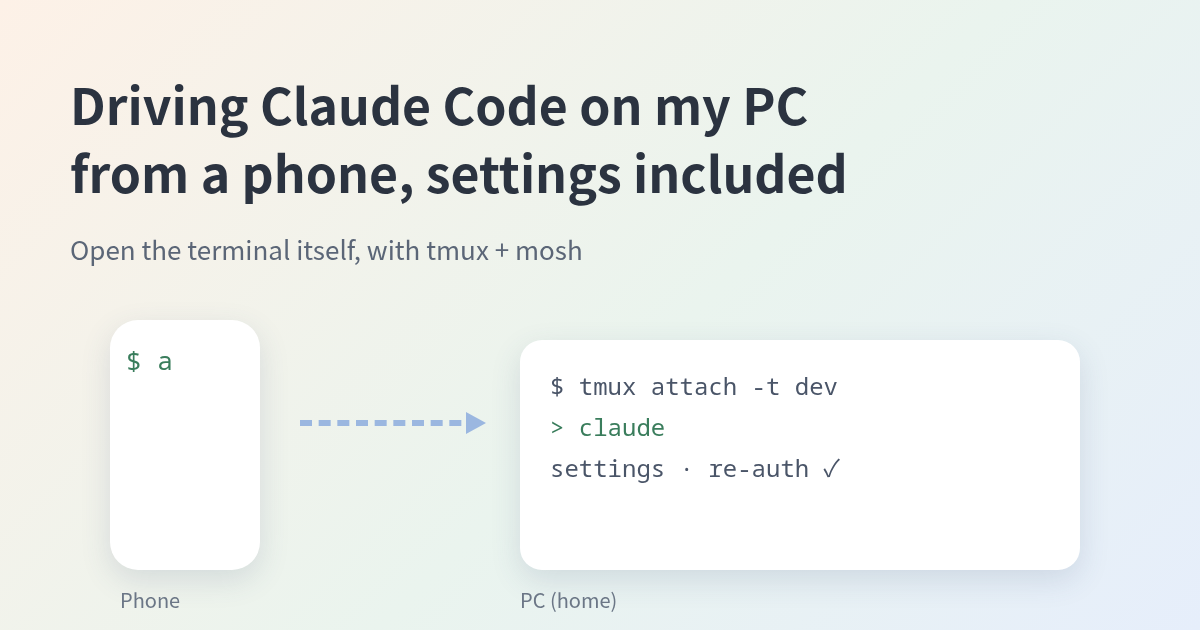
Driving Claude Code on My PC from a Phone, Settings and Re-auth Included (tmux + mosh)

One post on X complained, in essence: you can send instructions to Claude Code from the official phone app, but for some settings and connector re-authentication you are sent back to the terminal on the PC. They wanted to finish that from the app while away from home. I use a different setup, one that avoids that situation. I don’t go through the app. I open the terminal that Claude Code runs in, as is, on my phone. This article describes how it works and where it falls short. ...
Termux's sshd Logs You In as the Same User Whatever Name You Send — Reading the Patch

I added an entry to ~/.ssh/config so I could scp images from my desktop to my Pixel 6 (running Termux’s sshd), and I put a User in it. Then I noticed: when the other end is Termux, ssh banana@<phone> and ssh root@<phone> both log in as the same user. The User line in ~/.ssh/config does nothing. It’s not a config problem — it’s how Termux’s OpenSSH is built. First, the observation $ ssh -p 8022 banana@100.65.202.69 'whoami' u0_a440 $ ssh -p 8022 root@100.65.202.69 'whoami' u0_a440 Copy banana and root both connect, and both land as u0_a440 (the Termux app’s user). The key is checked only against /data/data/com.termux/files/home/.ssh/authorized_keys. ...