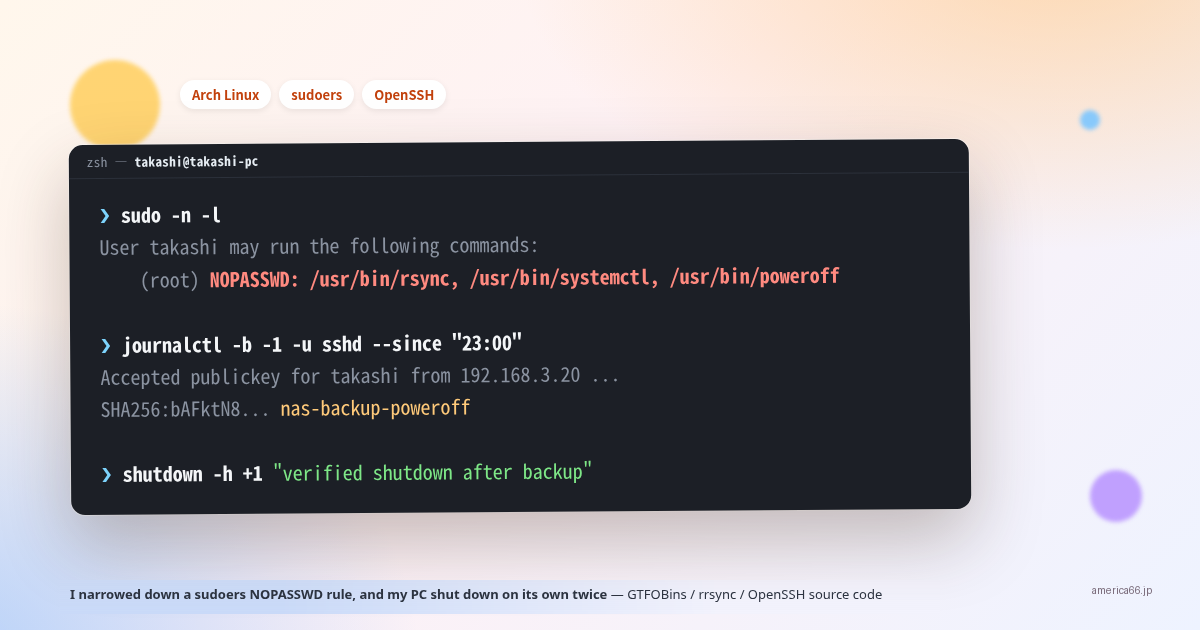
I Narrowed Down a sudoers NOPASSWD Rule, and My PC Shut Down on Its Own Twice

I typed sudo systemctl restart bluetooth, and it ran without asking for a password. Something was wrong. That single observation led through a GTFOBins lookup, a full SSH key redesign, a fight with rrsync, and eventually reading the OpenSSH source itself. The story ends with an unsatisfying twist: my PC powered itself off twice, and I never fully found out why. The trigger: no password prompt Bluetooth was acting up, so I ran sudo systemctl restart bluetooth. It should have asked for my password. It didn’t, and I hadn’t used sudo recently. Something was off, so I ran sudo -n -l (list what I’m allowed to run without a password, without prompting for one). ...
Termux's sshd Logs You In as the Same User Whatever Name You Send — Reading the Patch

I added an entry to ~/.ssh/config so I could scp images from my desktop to my Pixel 6 (running Termux’s sshd), and I put a User in it. Then I noticed: when the other end is Termux, ssh banana@<phone> and ssh root@<phone> both log in as the same user. The User line in ~/.ssh/config does nothing. It’s not a config problem — it’s how Termux’s OpenSSH is built. First, the observation $ ssh -p 8022 banana@100.65.202.69 'whoami' u0_a440 $ ssh -p 8022 root@100.65.202.69 'whoami' u0_a440 Copy banana and root both connect, and both land as u0_a440 (the Termux app’s user). The key is checked only against /data/data/com.termux/files/home/.ssh/authorized_keys. ...