One post on X complained, in essence: you can send instructions to Claude Code from the official phone app, but for some settings and connector re-authentication you are sent back to the terminal on the PC. They wanted to finish that from the app while away from home.
I use a different setup, one that avoids that situation. I don’t go through the app. I open the terminal that Claude Code runs in, as is, on my phone. This article describes how it works and where it falls short.
What I do
Claude Code runs inside a terminal on my PC. From my phone, I open that same terminal screen.
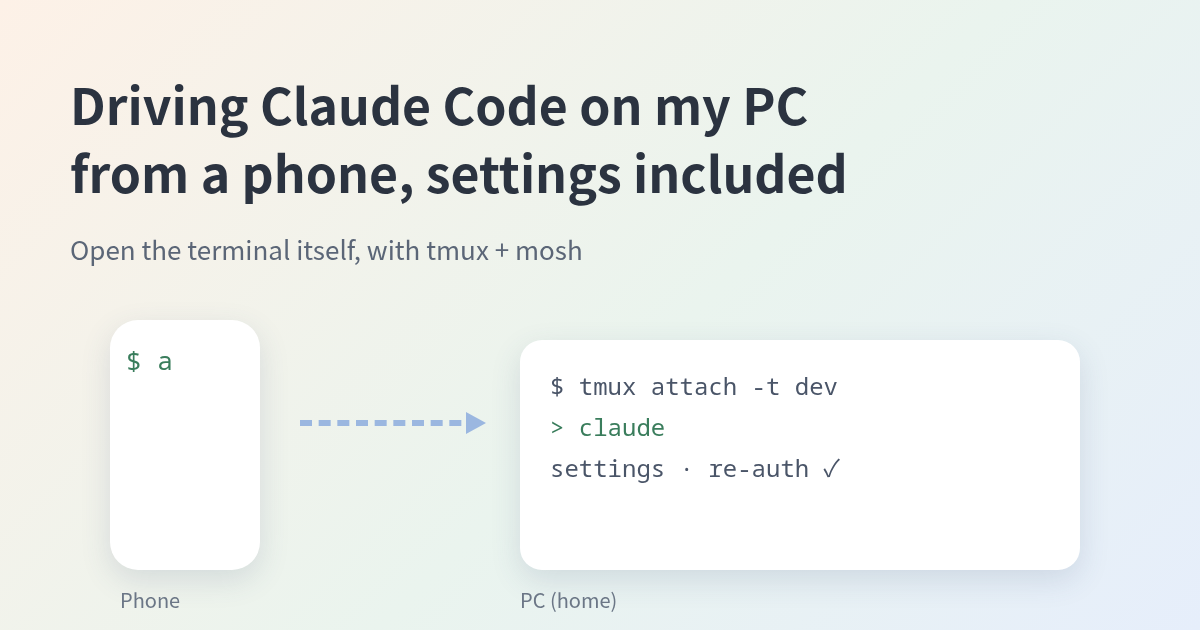
On the phone, typing a takes me into the PC’s Claude Code screen. Back at the PC, typing cc shows the same screen. Whichever device I come from, I land in the same session, in the middle of the conversation.
Because it is the terminal itself, I can type the same commands for settings and re-authentication on the phone as I would at the PC. There is no place to go back to.
What I use
| Name | Role |
|---|---|
| tmux | Keeps the terminal’s contents alive. Closing the window or losing the connection doesn’t end the work; you can reattach later |
| mosh | A relative of SSH. Survives changes of Wi-Fi or the phone going to sleep without reconnecting |
| SSH (key auth) | The way into the PC. Password login is turned off; keys only |
| Tailscale | The route from outside to the PC at home (a VPN) |
| Termux | The terminal app on the Android phone, where mosh runs |
The flow:
- In Termux on the phone, I type
a. It is an alias for “enter the PC withmosh, then attach to the tmux session nameddev.” - After connecting over SSH, mosh-server starts on the spot and the connection is re-established over UDP.
- I attach to
devin tmux, where Claude Code is running.
At the PC, cc attaches to the same dev. cc is an alias for tmux new -A -s dev (attach if it exists, create if not).
Things that tripped me up
- mosh-server does not stay resident. It starts each time you connect. Not seeing it running while nobody is connected is normal.
- mosh’s
-pis mosh’s own UDP port, not the SSH port. If you changed the SSH port, pass it as--ssh="ssh -p PORT". - mosh fails without a UTF-8 locale. It stops with “needs a UTF-8 locale” unless the locale is generated on the PC.
- Android may stop Termux in the background. If the connection drops, reopen Termux.
Where it falls short
- The PC has to be awake. When it’s off, I wake it from my home NAS with Wake-on-LAN (wrapped in a command called
wake-arch). - Restarting the PC wipes tmux. The
devsession and the Claude Code running in it are gone after every reboot, and the same applies when I wake a powered-off PC with Wake-on-LAN. The conversation itself can be resumed with Claude Code’s--continue. - The screen is small. Reading long output on a phone is hard; I have long output written to a file and read it later.
- Typing Japanese through a terminal app is more work than at the PC.
- It plays a different role than the official app. Notifications and checking things in the app’s UI are easier there. I also have Remote Control (instructions from the official app) enabled and use both as needed.
Summary
- Where the official app falls short (settings, re-authentication), opening the terminal itself on the phone means you don’t have to go back.
- You need tmux, mosh, a route to the PC, and key-based SSH.
- The weak points: the PC must be awake, and the screen is small.
For security, the assumption is key-only SSH and access only through a VPN. This article leaves out environment-specific values such as port numbers and addresses.